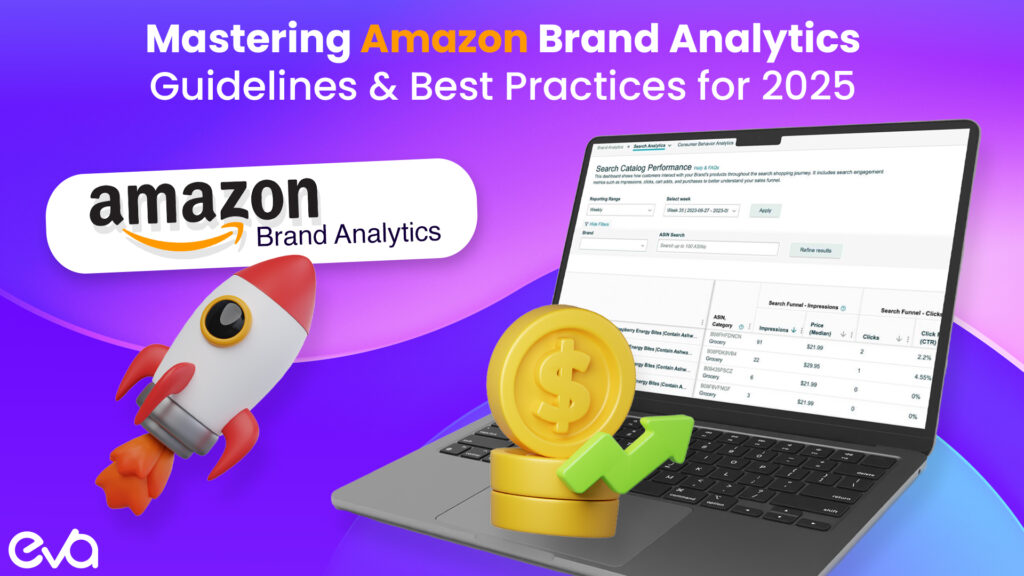
In today’s competitive Amazon marketplace, understanding your brand’s performance through data-driven insights is essential for success. That’s why Amazon Brand Analytics is an invaluable asset for serious sellers.
Quick answer: Amazon Brand Analytics is a suite of Amazon search analytics and customer-behavior reports for eligible brand owners. Search Query Performance is the query-level funnel view used to examine search impressions, clicks, cart adds, purchases, and the brand or ASIN’s share of those stages. Use Brand Analytics to find the market signal; use SQP to locate the stage where a query–ASIN pair is winning or losing.
This guide was reviewed on August 26, 2026. Report names, eligibility, dimensions and interfaces can change, so teams should confirm the current fields in their own Seller Central account before making a decision.
Table of Contents
- Amazon Brand Analytics: turn search data into an action
- Amazon search analytics: what this guide covers
- Amazon Brand Analytics vs Search Query Performance
- The Amazon query–ASIN analysis workflow
- Eva’s Amazon search analytics decision framework
- Search Query Performance diagnosis table
- A practical operating cadence
- Understanding Amazon Brand Analytics
- Why are Amazon Brand Analytics Essential?
- Leveraging Amazon Brand Analytics for Success
- Practical Strategies & Tips
- Why Amazon’s Top Brands Rely on Brand Analytics
- About Eva
- Frequently Asked Questions
Amazon Brand Analytics: turn search data into an action
A report creates value only when the team links the query signal to a specific catalog, advertising, or product decision and records what happens next.
For teams that need coordinated execution, see Amazon marketplace management.
Amazon search analytics: what this guide covers
- Brand Analytics vs Search Query Performance
- The query–ASIN analysis workflow
- Eva’s search decision framework
- How to diagnose each funnel stage
- Weekly and monthly operating cadence
Amazon Brand Analytics vs Search Query Performance
| Dimension | Brand Analytics | Search Query Performance |
|---|---|---|
| Primary question | What are shoppers searching, comparing, buying together, and purchasing again? | For a specific query, where does the brand or ASIN gain or lose share through the search funnel? |
| Best use | Demand discovery, category context, assortment, basket, repeat behavior and search-language research. | Query-level diagnosis across impressions, clicks, cart adds and purchases. |
| Unit of analysis | Depends on the report: search term, product, customer segment or basket behavior. | Search query connected to the brand or ASIN view available in the account. |
| Typical decision | Which demand, product relationship or customer behavior deserves investigation? | Should the team improve discoverability, click appeal, conversion, availability or offer competitiveness? |
| Main risk | Treating a broad market signal as proof that one ASIN deserves investment. | Reading share changes without checking price, stock, media, seasonality and product fit. |
The reports complement each other. Search analytics should begin with a commercial question, not a download. Examples include: Which queries are growing but underrepresented in the catalog? Which high-impression terms lose click share? Which ASINs earn clicks but fail to convert? Which queries should be supported by inventory, listing, creative, promotion or paid media?
The Amazon query–ASIN analysis workflow
- Define the decision: State whether the team is looking for new demand, diagnosing a decline, planning content, evaluating media, protecting share or selecting an assortment action.
- Select the level: Decide whether the question belongs at market, brand, query, ASIN, parent/child, category or customer level.
- Set the period: Use a period long enough to reduce noise, then compare against a relevant previous period and seasonal context.
- Build the query set: Separate branded, category, attribute, use-case, problem, audience and competitor-comparison language. Exclude terms that are not factually relevant.
- Map queries to ASINs: Assign an intended product owner for each important query. Avoid using one category list for every ASIN.
- Read the funnel: Compare impressions, clicks, cart adds and purchases, then identify the first stage where performance or share weakens.
- Join operational context: Check inventory, price, promotions, reviews, variation structure, content changes, advertising and policy status.
- Create one action: Assign the hypothesis, owner, implementation date and measurement window.
- Retest: Measure the same query–ASIN pair after the observation window without stacking unrelated changes.
Eva’s Amazon search analytics decision framework
Eva uses a five-part review to turn Amazon Brand Analytics and Search Query Performance into an operating backlog. This is an internal decision framework, not an Amazon ranking formula.
| Layer | Question | Possible owner |
|---|---|---|
| Demand | Is the query large, growing, seasonal, branded, or newly relevant? | Strategy and assortment |
| Discoverability | Is the ASIN eligible, indexed, in stock, and earning impressions? | Catalog and SEO |
| Click appeal | Does the main image, title, price, rating, badge or delivery promise compete? | Content, pricing and retail operations |
| Conversion | Does the detail page and offer satisfy the query’s expectation? | Content, product, reviews and merchandising |
| Economics | Can the brand profitably support more traffic and orders? | Finance, media and inventory |
Every action is recorded with the query, ASIN, baseline period, evidence, hypothesis, owner, change date and review date. That record prevents a report from becoming a presentation artifact and makes it possible to distinguish a useful intervention from normal marketplace volatility.
Search Query Performance diagnosis table
| Observed pattern | Likely questions | First checks |
|---|---|---|
| Demand grows; impressions stay weak | Is the query relevant and is the intended ASIN discoverable? | Catalog attributes, indexing, category, variation, stock and query–ASIN fit. |
| Impressions are present; click share is weak | Does the search-result offer earn attention? | Main image, title clarity, price, rating, badge, delivery promise and competitor set. |
| Clicks are present; cart adds are weak | Does the detail page resolve the shopper’s main decision? | Images, bullets, A+ Content, variation clarity, compatibility, claims and price. |
| Cart adds are present; purchases are weak | What changes between consideration and checkout? | Availability, delivery, promotion, total price, variation, trust and competitive substitution. |
| Purchase share rises; contribution falls | Is growth economically healthy? | Ad cost, promotions, fees, returns, inventory placement and cost of goods. |
| All stages decline suddenly | Is this demand, availability, policy, catalog or measurement? | Seasonality, stock, suppressed content, lost variation, price, retail events and report period. |
A stage-based diagnosis narrows the action. It avoids rewriting a listing when the real problem is inventory, or increasing advertising when the offer cannot convert profitably.
A practical operating cadence
- Weekly: review priority-query anomalies, inventory risks, new search terms, paid search-term outcomes and urgent content or catalog issues.
- Monthly: review the query–ASIN funnel, share movement, implemented changes and the commercial backlog.
- Quarterly: reassess the keyword architecture, intended ASIN owners, assortment gaps, repeat-purchase patterns and measurement definitions.
- After major events: run an additional review after launches, category moves, variation changes, retail events, viral traffic, significant price changes or policy incidents.
Use the same completed periods and definitions across teams. Keep observed Amazon data separate from third-party estimates, and label calculations or inferences clearly. A clean monthly log should show the question, report, query, ASIN, funnel stage, operational context, action, owner and result.
Related Eva resources: Amazon keyword research, Amazon backend keywords, Brand Analytics for advertising, and Amazon SEO services.
Amazon Brand Analytics provides comprehensive data that helps you track product performance, understand customer search behavior, and develop actionable strategies to outperform competitors.
From optimizing your product listings with top search terms to analyzing conversion share metrics, this powerful tool gives you the visibility needed to make informed decisions.
The platform has evolved significantly since its introduction, moving from basic reporting to a sophisticated suite of analytics tools that provide actionable intelligence across multiple dimensions of your Amazon business.
In this comprehensive guide, we’ll take a close look at:
- The fundamentals of Amazon Brand Analytics
- How to leverage data for strategic decision-making
- Real-world examples and success stories
- Practical tips and insights from industry experts
Let’s explore how Amazon Brand Analytics can transform your Amazon selling strategy and help you build a data-driven approach to marketplace success.
Understanding Amazon Brand Analytics
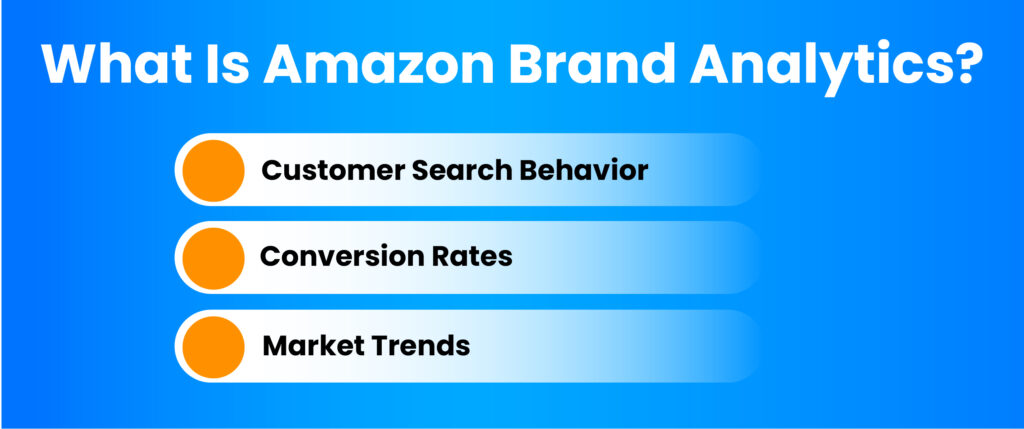
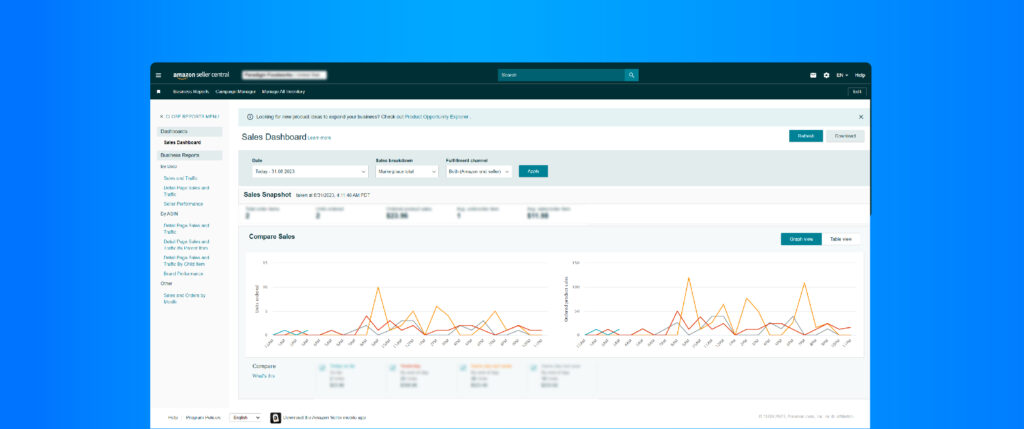
Amazon Brand Analytics (ABA) is a powerful reporting suite provided exclusively to registered brand owners. It delivers valuable insights into customer search behavior, conversion rates, and market trends that can significantly impact your business strategy:
- Customer Search Behavior: ABA reveals which search terms customers use to find products in your category. This data is crucial for optimizing your product listings, backend search terms, and advertising campaigns. The platform shows you exactly which keywords have the highest search query volume, allowing you to prioritize your optimization efforts where they’ll have the greatest impact.
- Conversion Rates: Understanding your click share and conversion share compared to competitors helps you evaluate the effectiveness of your product pages. ABA provides detailed conversion data, helping you identify what drives sales and what needs improvement. This insight is particularly valuable for A/B testing product images, bullet points, and descriptions to maximize conversion potential.
- Market Trends: ABA helps you track search query volume and search frequency rank over time, enabling you to identify emerging opportunities and adapt your strategy accordingly. By monitoring seasonal patterns and trend shifts in your category, you can adjust inventory planning, promotional calendars, and product development pipelines to stay ahead of market demands.
Why are Amazon Brand Analytics Essential?
In the current ecommerce landscape, maintaining a competitive edge requires deep insights into your market and customers. ABA provides this crucial perspective:
- Competitive Edge: With ABA’s item comparison feature, you can see how your products perform against competitors. This information helps you identify areas for improvement and develop strategies to gain market share. The detailed ASIN view allows you to analyze specific competing products, while the broader brand view helps you understand your overall positioning against key competitors.
- Customer-Centric Approach: Understanding customer demographics and repeat purchase behavior allows you to tailor your offerings to meet specific customer needs. The demographics report provides valuable insights into who’s buying your products, including age distribution, income levels, education, and household composition. This granular data helps you craft messaging that resonates with your actual customers rather than who you think they might be.
- Strategic Planning: Data-driven decision-making forms the foundation of successful business strategies. ABA provides the market basket analysis and search catalog performance data you need to set realistic goals, plan effective marketing campaigns, and allocate resources efficiently. The ability to see which products are frequently purchased together helps you create bundling opportunities, cross-selling strategies, and more effective promotional offers.
- Advertising Optimization: By integrating insights from ABA with your Amazon advertising campaigns, you can significantly improve your advertising cost of sales (ACoS). Understanding which search terms have high conversion rates allows you to focus your PPC budget on terms with proven performance rather than testing blindly.
Leveraging Amazon Brand Analytics for Success

Key Features & How to Use Them
1) Search Terms Report
The Search Terms Report reveals what customers are searching for, allowing you to align your product listings with actual shopping behavior. This report provides unparalleled visibility into the customer journey from search to purchase.
- Keyword Optimization: Identify high-performing search query terms and incorporate them into your product titles, descriptions, and backend search terms. The report provides a search query score for each term, helping you prioritize the most valuable keywords for your optimization efforts.
- Trend Analysis: Monitor search query volume over time to adapt your strategy to seasonal trends. By tracking week-over-week and month-over-month changes in search volume, you can anticipate demand shifts and adjust your inventory and advertising accordingly.
- Competitor Insights: See which products capture click share for specific terms and identify opportunities to improve your product visibility. Understanding which ASINs dominate specific search terms gives you a roadmap for competitive differentiation.
- Content Strategy Development: Beyond just listing optimization, the Search Terms Report can inform your entire content strategy, from Enhanced Brand Content to A+ detail pages and even off-Amazon marketing material. Creating content that addresses the specific search intents revealed in the report helps improve conversion rates across all channels.
2) Item Comparison Report
The Item Comparison Report offers side-by-side analysis of your products against competitors in both ASIN view and brand view formats.
- Product Analysis: Evaluate your products’ performance using conversion share metrics compared to competitors.
- Pricing Strategy: Understand how your pricing affects conversion rates and adjust accordingly to remain competitive.
- Feature Enhancement: Identify product attributes that drive competitor success and consider enhancing similar features in your offerings.
3) Demographics Report
Gain insights into your customer base, including age, gender, and income levels to inform targeted marketing efforts.
- Targeted Marketing: Create campaigns that resonate with specific demographic groups based on actual purchase data.
- Product Development: Design products that cater to the preferences of your core customer segments.
- Personalized Experience: Offer recommendations based on demographic insights and repeat purchase behavior patterns.
By leveraging these key features, you can create a more targeted and effective strategy for your brand on Amazon. The product opportunity explorer and search catalog performance tools provide additional ways to identify growth potential and optimize your listings.
Practical Strategies & Tips
How to Get Started with Amazon Brand Analytics
- Register your brand with Amazon
- Access the ABA tools via Seller Central
- Begin exploring the various reports, starting with Search Terms Report
Maximizing Your Results with Amazon Brand Analytics
Regular Monitoring Schedule
Establish a consistent cadence for reviewing your ABA data. Weekly reviews of the Search Terms Report allow you to stay on top of emerging trends, while monthly deep dives into Demographics and Item Comparison Reports help inform longer-term strategic decisions.
Integrate with Your Overall Strategy
Don’t view ABA as an isolated tool. The insights gained should inform your broader business strategy, including:
- Product Development: Use search catalog performance data to identify gaps in your product line that customers are actively seeking
- Pricing Strategy: Analyze conversion share across different price points to find your optimal pricing
- Inventory Planning: Leverage seasonal search query volume data to anticipate demand shifts
- Marketing Messaging: Align your brand messaging with the actual search terms customers use
Actionable Implementation Plan
To maximize the value of your ABA insights:
- Create a centralized dashboard tracking your key metrics over time
- Develop a process for testing and implementing changes based on ABA data
- Set specific, measurable goals for improvement in click share and conversion rates
- Establish a feedback loop to measure the impact of changes made based on ABA insights
Why Amazon’s Top Brands Rely on Brand Analytics
Amazon Brand Analytics isn’t just a reporting tool—it’s a strategic advantage in your journey to Amazon success. By understanding its features, analyzing the data properly, and implementing insights strategically, you can transform your brand’s performance on the platform.
The difference between successful Amazon brands and those that struggle often comes down to their ability to make data-driven decisions. As Amazon’s marketplace continues to grow more competitive, the insights provided through Brand Analytics become increasingly valuable.
Brands that master the use of search query scores, conversion share metrics, and market basket analysis will consistently outperform those that rely on guesswork.
Remember that Amazon Brand Analytics provides the “what” behind customer behavior, but interpreting the “why” and taking appropriate action requires expertise and strategic thinking. Consistent application of these insights, combined with rigorous testing and measurement, creates a virtuous cycle of continuous improvement that can significantly accelerate your Amazon business growth.
Ready to take your Amazon business to the next level? Explore Eva, your comprehensive platform offering powerful tools designed specifically for serious Amazon sellers.

About Eva
Eva is an integrated AI platform and services provider that helps brands and agencies maximize traffic, conversion, and profitability on Amazon. With a team of ex-Amazonians, end-to-end solutions, and 3PL fulfillment capabilities, Eva serves as the ultimate partner for brands selling through both Vendor and Seller Central.
Our specialized services include search catalog performance optimization, product opportunity explorer implementation, and comprehensive market basket analysis to help you maximize every aspect of your Amazon presence.
Unlike other agencies, Eva combines advanced analytics with practical experience, ensuring you receive not just insights but actionable strategies that drive measurable results in today’s competitive marketplace.
Frequently Asked Questions
You must be a registered brand owner on Amazon & have an active Seller Central account.
Utilize the Search Terms Report to understand customer search behavior & align your product listings accordingly.
Yes, the Item Comparison Report allows you to see how your products compare to competitors.
Amazon Brand Analytics is available to registered brand owners at no additional cost.
Related Eva service: Brands that need hands-on execution can explore Amazon SEO and AEO.